

How to Create a Month’s Worth of Social Media Content in Minutes Using ChatGPT and Canva
Content creation is one of the most time-consuming tasks for businesses, entrepreneurs, and creators. Social media demands fresh, engaging content daily, but who has the time to create high-quality posts consistently?
Fortunately, with the power of ChatGPT and Canva, you can generate a month’s worth of content in just a few minutes! This method leverages AI for content ideas and automation tools for quick design execution—saving time while keeping your social media fresh and engaging.
Why ChatGPT and Canva Are a Game-Changer
ChatGPT and Canva together create a seamless workflow for generating and designing content in bulk. Here’s why this duo is powerful:
✔ ChatGPT generates compelling post ideas based on your audience's pain points, desires, and interests.
✔ Canva’s Bulk Create feature allows you to design multiple posts at once, eliminating repetitive manual work.
✔ Together, they let you create, customize, and publish engaging content quickly, freeing up your time for other tasks.
Now, let’s break down how you can replicate this process.
Step 1: Generate Scroll-Stopping Content Ideas with ChatGPT
Before creating content, you need engaging ideas. Instead of brainstorming manually, let ChatGPT do the heavy lifting.
How? You provide ChatGPT with a prompt like:
"Based on my perfect future client, create 30 advanced, unique thumbnail titles that stop scrolling and hook my audience. Avoid generic ideas and focus on pain points and aspirations."
💡 Tip: Train ChatGPT on your audience’s pain points, frustrations, and desires. The more refined your input, the better the output.
ChatGPT will then generate 30 attention-grabbing titles for your posts, such as:
"What High-Value Clients Really Want (It’s Not What You Think!)"
"The Dark Side of Scaling – Why More Clients Can Mean Less Profit"
"Why Your Social Media Strategy is Costing You Sales"
These titles ensure your posts stand out and attract engagement.
Step 2: Export Content Ideas to a Spreadsheet
Once ChatGPT generates your content ideas, you’ll copy and paste them into a spreadsheet (Google Sheets or Excel).
Why? Canva’s Bulk Create feature allows you to upload a CSV file and automatically generate multiple designs.
Copy the AI-generated titles.
Paste them into a spreadsheet under a single column.
Save the file as a CSV (Comma-Separated Values) file.
Step 3: Use Canva’s Bulk Create Feature to Design Posts
Now that you have content ideas in a CSV file, it’s time to design them in bulk using Canva.
How to Bulk Create Posts in Canva:
Open Canva and choose a post template that fits your brand.
Go to “Apps” → Search for Bulk Create and select it.
Click Upload CSV and import your file with content titles.
Assign the uploaded data to a text field in your design.
Click Generate – Canva will instantly create multiple unique posts!
🚀 Result: In a few minutes, you’ll have 30+ high-quality social media graphics ready to post!
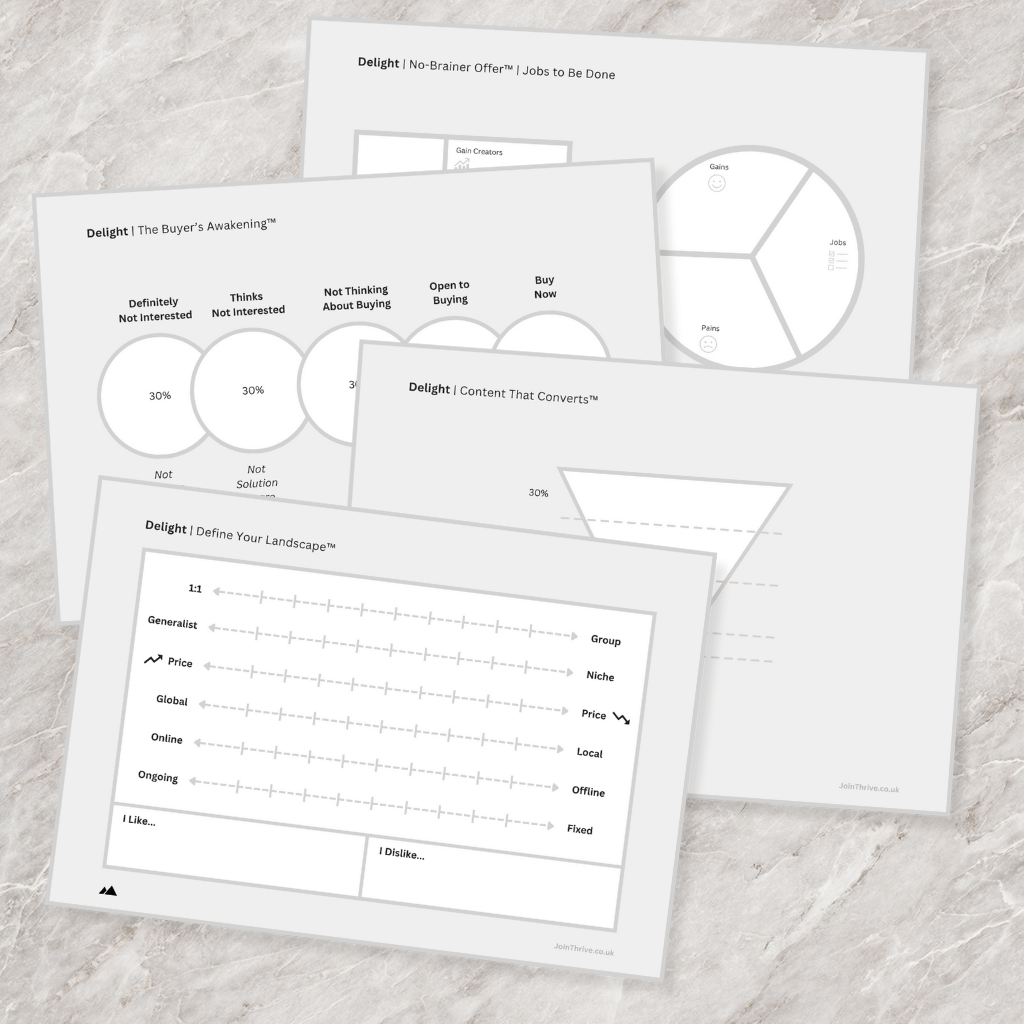
Unlock the Secret to Creating Content That Converts!
Define Your Ideal Client: Who they are, what they want, and why they need YOU.
Pinpoint Their Pain Points: Understand what’s stopping them from success and how you can help.
Map Out Your Content Strategy: Create content for every stage of the journey—from grabbing attention to closing sales.
Save Time and Effort: Stop guessing and start creating content that speaks directly to your audience.
Step 4: Enhance Posts with Captions & Hashtags
Visuals alone aren’t enough—you need engaging captions and hashtags to maximize reach.
💡 Use ChatGPT to Generate Captions
You can take one of your AI-generated post titles and ask ChatGPT:
"Write a compelling LinkedIn post based on this title: 'What High-Value Clients Really Want (It’s Not What You Think!)'"
ChatGPT will generate a well-structured caption. You can tweak it to match your tone of voice.
💡 Use ChatGPT to Generate Hashtags
Simply prompt ChatGPT:
"Give me 3-5 high-performing hashtags for business owners and entrepreneurs."
You’ll get optimised hashtags like:
#SocialMediaGrowth
#ContentMarketingTips
#EntrepreneurSuccess
Copy-paste them into your post and boost your reach instantly!
Step 5: Schedule and Automate Posting
Now that you have a month’s worth of designed posts, captions, and hashtags, it’s time to schedule them.
✔ Use Meta Business Suite for Facebook & Instagram scheduling.
✔ Use LinkedIn Scheduler for LinkedIn posts.
✔ Use Hootsuite or Buffer to schedule across multiple platforms.
Set everything up in one session, and enjoy a hands-free content strategy for the month!
Key Takeaways
✅ ChatGPT helps generate high-quality content ideas instantly.
✅ Canva’s Bulk Create feature allows you to design posts in seconds.
✅ Automating captions, hashtags, and scheduling saves time and boosts engagement.
✅ You can create a month’s worth of social media content in just 30 minutes!
If you’ve been struggling to stay consistent with social media, this method will eliminate content creation stress and free up your time.
Stay Ahead with Our Daily Business Growth Tips
Join thousands of entrepreneurs and small business owners who are already transforming their businesses with our expert advice.
© Thrive 2025 | SalesOnDemand Ltd Company No.13000482